
Inkpress
A fast, clean multi-feed RSS and Atom reader for iPhone, iPad, Mac and the browser. Add any blog or news feed and read every entry in one place — no accounts, no tracking, no clutter.
A fast, clean multi-feed RSS and Atom reader for iPhone, iPad, Mac and the browser. Add any blog or news feed and read every entry in one place — no accounts, no tracking, no clutter.
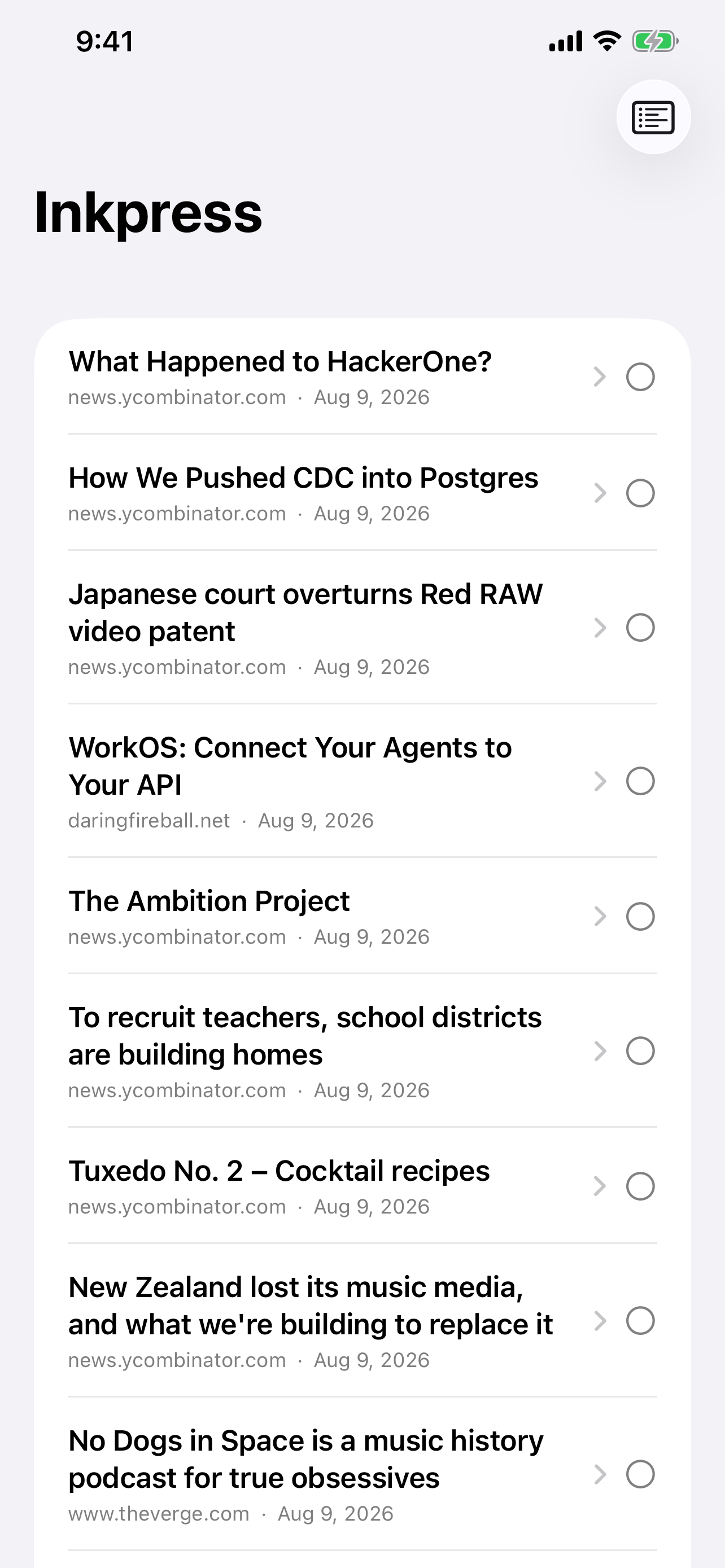
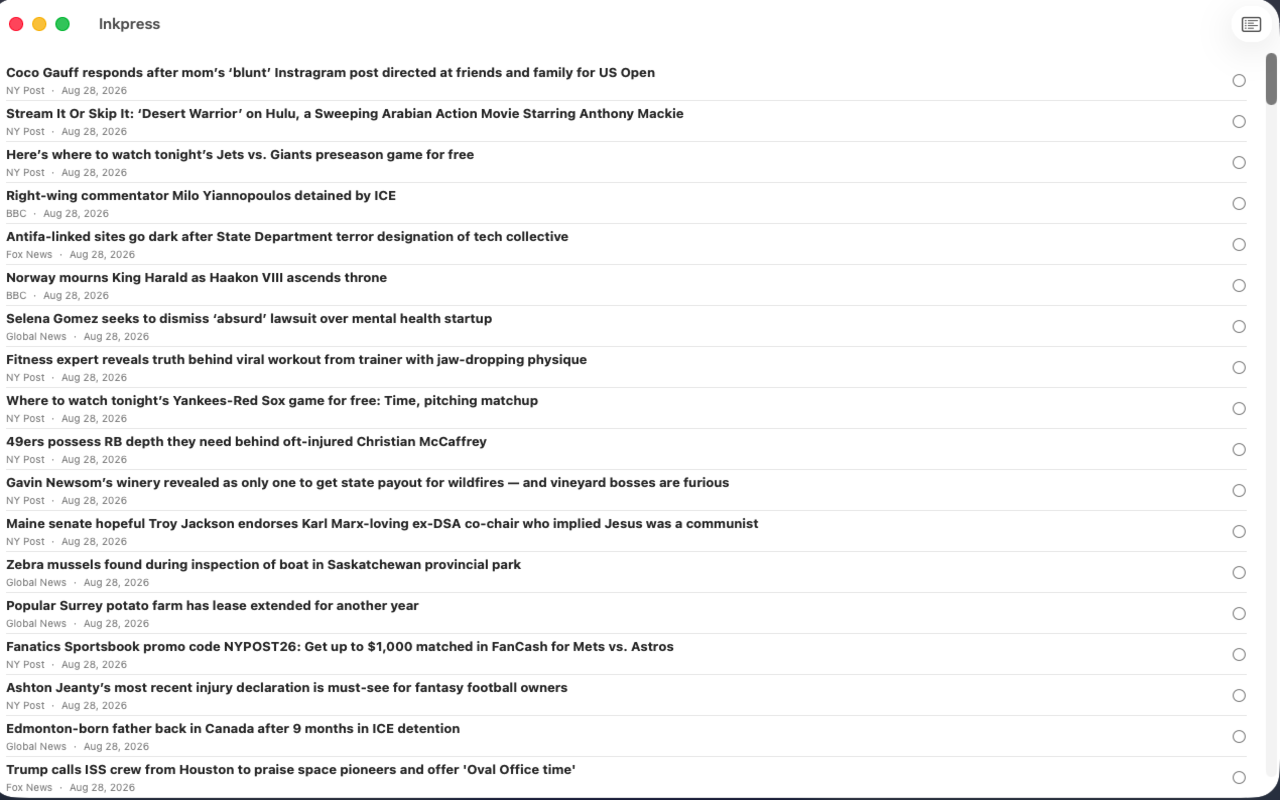
Subscribe to blogs, newsletters and publications — anything that publishes a feed.
Every subscription collapses into a single distraction-free list instead of per-site silos.
Entries cache on the device, so everything you have already pulled down stays readable.
Article bodies render full width and readable, styled to match the app instead of the site they came from.
Follows the system appearance without a settings trip.
Nothing to sign up for. Subscriptions live on your device and go nowhere else.
Free on the App Store for iPhone, iPad and Mac, or read straight in the browser. Add a feed and it works immediately.
Inkpress runs on every platform. On Windows, Linux and Android it installs straight from the browser — no store, no download, no runtime. It gets a real window, its own icon, and keeps working offline.
Open the web app in Edge or Chrome, then Install Inkpress from the address bar. It lands in the Start Menu like any other app.
Open & install →Open the web app in Chrome, then Add to Home screen. Full screen, no browser chrome, works offline.
Open & install →Same as Windows — install the web app from Chrome or Chromium and it runs in its own window.
Open & install →